
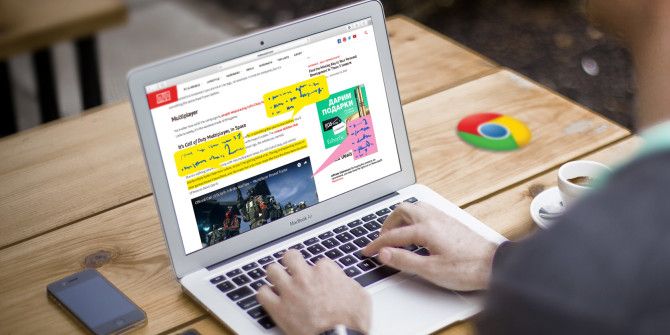
Capturing and annotating webpages, images, or portions of articles can be useful for work, school, or even personal research. With tools that allow you to mark up items quickly and easily, Chrome offers a nice selection of extensions. 1. Awesome Screenshot Awesome Screenshot is a great tool for capturing and annotating an entire webpage, selected text, an image, or just the visible part of the page. Once you have captured your desired items, a new tab will pop open allowing you to add annotations. Mark up features include cropping, using a pen, adding a shape, drawing an arrow, inserting text,...
Read the full article: The 7 Best Annotation Tools for Google Chrome
